
Modify the permissions of a user on Ion Reporter™ Server
An administrator can modify the permissions of an Ion Reporter™ Software user.
- Click the Admin tab, then click the user account in the Users list (without clicking on the hyperlink for the account).
- In User Details, click Edit.
-
In the Edit User dialog box, in the Roles area, modify the user permissions.
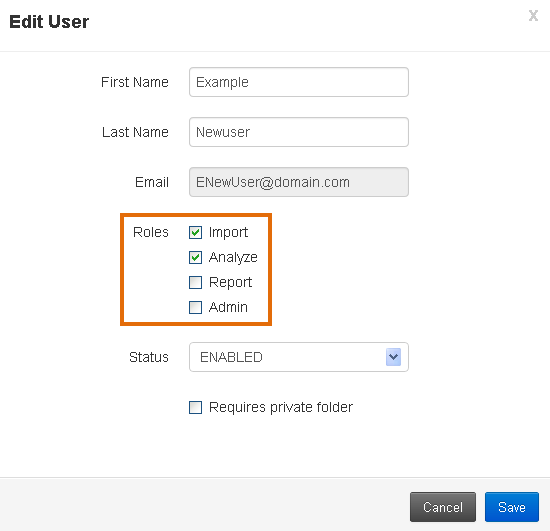
- (Optional) Select Requires private folder if you want to give the user the authority to restrict all visibility to their data. For details, see t_Enable or disable private folders_IR 5.4.
- Click Save.