
Transcript set
You can use a transcript set in Ion Reporter™ Software to provide annotation information for specific transcripts of interest. A transcript set limits the annotations that are applied to your variant calls to annotations that match your list of preferred transcripts.
Use the following guidelines when you use or create a transcript set:
-
Ensure that the transcript set includes a header line that indicates the human genome on which it is based. If this reference header information is not included, the software processes the file as if it is based on the hg19 human genome reference. The options for the header line are:
-
##reference=GRCh38
-
##reference=hg19
-
-
The contents of the file for the transcript set are in the format: GENE_NAME transcript_accession_id1, transcript_accession_id2, ..., with a tab character between the gene name and the first transcript id.
-
Gene names must be specified as HGNC gene symbols.
-
A tab character is required after the gene name.
-
A comma and a space character are required between transcripts.
-
If gene name is missing in the file, all transcript annotations for that gene are preserved.
-
Transcripts can be specified as RefSeq or Ensembl® accession ids that include a version. However, if the accession ID contains no decimal point version, then all versions of the transcript are matched. For example, Gene1 NM_0000006 is matched with all versions of this transcript. This annotation source uses a TXT format with tab characters.
Here is an example file with a header to indicate that the transcript set is based on the GRCh38 human genome reference:
##reference=GRCh38
GENE REFSEQ_AND_ENSEMBL_TRANSCRIPTS
Gene1 NM_00000006.2, NM_000000005.3, ENST000000000007.3
Gene2 NM_00000001.1, NM_000000007.1, NM_0000000004.5,
NM_000000008.3, ENST000000000006.4
GENE REFSEQ_AND_ENSEMBL_TRANSCRIPTS
Gene1 NM_00000006.2, NM_000000005.3, ENST000000000007.3
Gene2 NM_00000001.1, NM_000000007.1, NM_0000000004.5, NM_000000008.3, ENST000000000006.4
RefGene GeneModel and Ensembl GeneModel transcript versions
You can view the details about the annotations that Ion Reporter™ Software supports for a specific gene model transcript in the list of Variant Details, including the versions for the RefGene GeneModel and Ensembl GeneModel transcripts.
- In the Analysis tab, click Overview.
- Click an analysis name to open the Analysis Results screen.
-
In the Analysis Results screen, click
 (Variant Details) to open the Variant Details screen.
The transcript version is listed in the Annotation Value column.

-
Alternatively, open the TSV variants file in the Variants/sample_name subdirectory, to see the transcript versions.
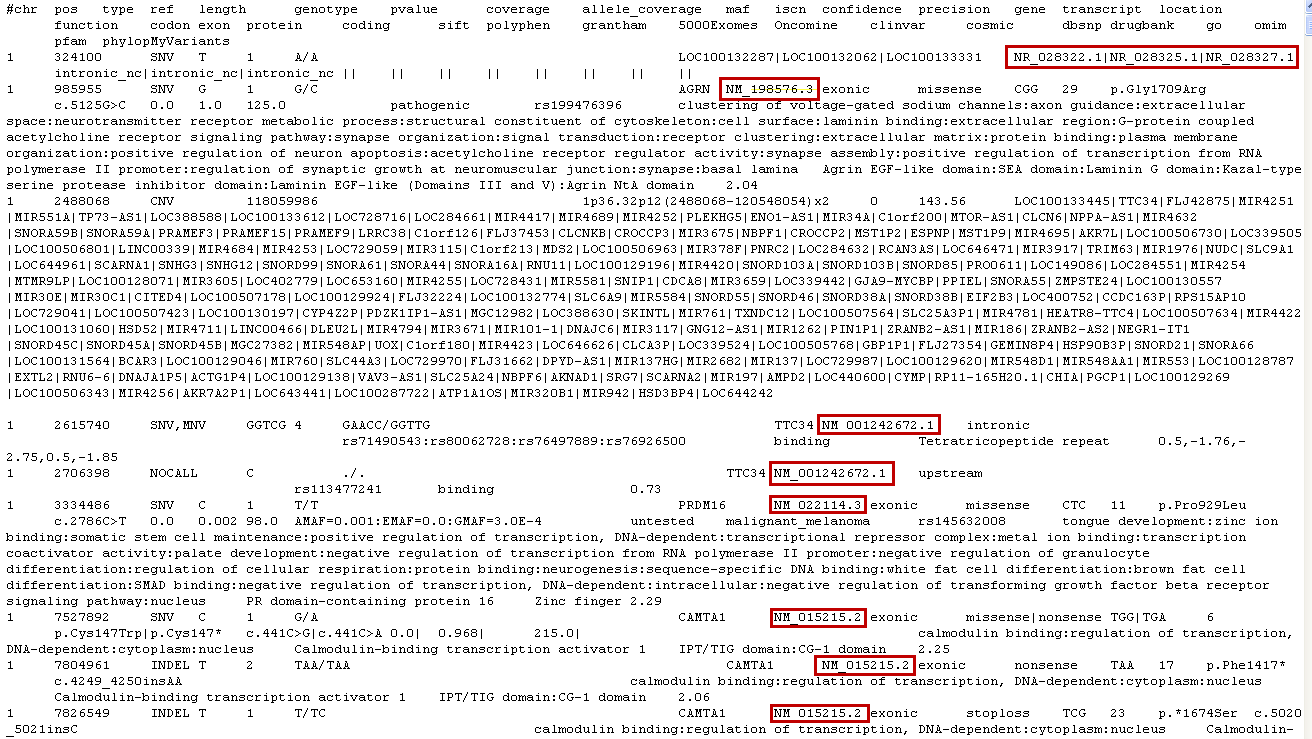
- Use these version numbers with the transcript IDs in the preferred transcript file.