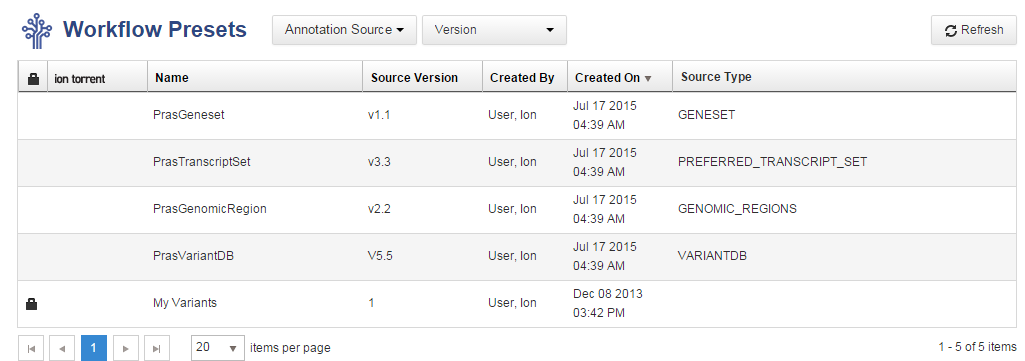
View custom annotation sources
Annotation sets created by users are displayed in the Annotation Source list. You can mix customer annotation sources with Ion Reporter™ Software predefined annotation sources to create your own custom annotation set. For more information, see t_Create annotation set workflow presets_IR.
- In the Workflows tab, click Presets.
-
Click .
A table listing the custom annotation sources appears. You can use these custom annotation sources to create custom annotation sets.